
Share
AI in Animation: Current Trends, Future Scope & Career Opportunities
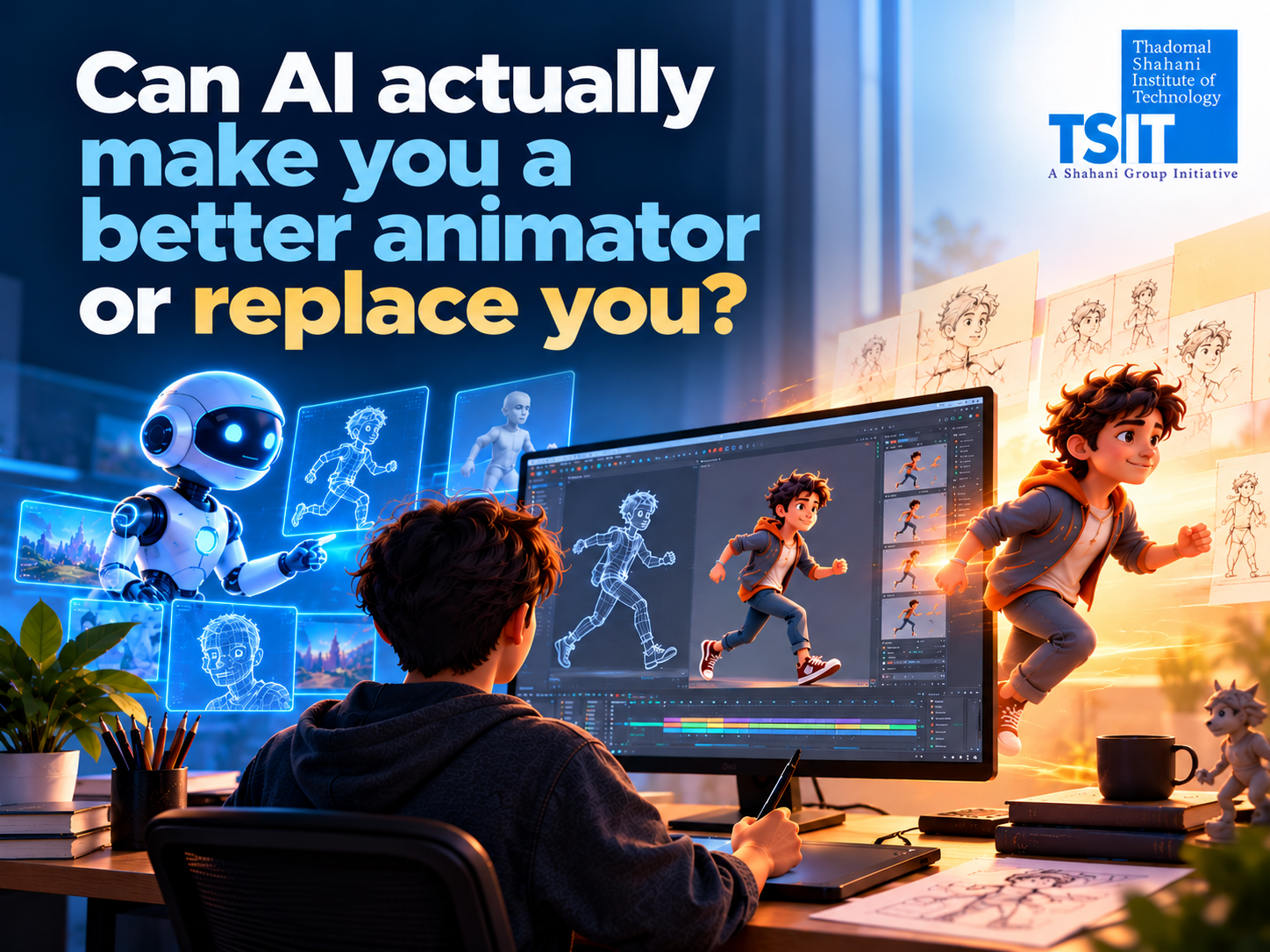
Imagine creating an animated character that can walk, run or jump with the help of AI. What once required hours of manual work can now begin with AI-generated movement that an animator can refine.
Artificial intelligence is changing how animation is created. From developing visual ideas to assisting with character movement and video production, AI tools are becoming part of creative workflows.
But this raises an important question for students: If AI can create animation, will we still need animators?
The answer is more complicated than a simple yes or no. To understand why, let’s explore how AI is being used today, what might change in the future and what this means for animation careers.
What Is AI in Animation?
AI in animation refers to the use of artificial intelligence and machine learning to assist with tasks involved in creating animated content.
Traditionally, animators develop movements, expressions and scenes using techniques such as keyframing, rigging and motion capture. AI-assisted tools can help generate initial movements, create visual references, automate certain technical steps or support experimentation.
However, AI-generated animation is not always ready for final production. Artists may still need to correct movement, maintain visual consistency and make creative decisions.
For example, AI might help generate a character’s walking movement, but an animator decides whether that walk should feel confident, tired, nervous or excited.
That difference matters because animation is not simply about making objects move. It is about making audiences feel something.
How Is AI Being Used in Animation Today?
AI is already being integrated into animation and creative software. Its usefulness depends on the production task, the quality required and how much control artists need.
1. Character Animation and Movement
Creating believable character movement takes time and practice.
AI-assisted animation tools can generate a starting point for actions such as walking, jumping or sitting.
For example, Autodesk Maya’s MotionMaker uses machine learning to generate character movement from inputs such as motion paths and keyframes. Animators can then adjust the result to achieve the performance they want.
This allows artists to spend less time building some basic movements from scratch and more time refining the character’s performance.
2. Concept Art and Visual Development
Before an animated scene is produced, artists explore ideas for characters, environments, costumes and lighting.
Generative AI tools can help create visual references and variations during this early stage.
Imagine designing a futuristic city. Instead of exploring only one concept, an artist could use AI to experiment with different architectural styles, colour palettes and lighting conditions.
However, the artist must still evaluate originality, consistency, suitability and usage rights before incorporating generated material into a project.
3. AI-Assisted Video Generation
Some generative AI tools can create short video sequences from text prompts or reference images.
For example, Adobe Firefly offers text-to-video and image-to-video generation.
These capabilities can support visual experimentation, early story ideas and certain production tasks. However, challenges such as character consistency, movement accuracy and precise shot control can limit their usefulness in longer or complex animation projects.
4. Technical Animation Tasks
Not every animation task is creative in the same way.
Technical processes such as deformation, repetitive movement and certain production adjustments can also benefit from machine learning.
AI-assisted tools may reduce repetitive work, allowing artists to focus more attention on visual quality, storytelling and problem-solving.
Traditional Animation vs AI-Assisted Animation: What Is Changing?
AI is changing parts of the animation workflow, but it does not eliminate the need to understand animation fundamentals.
Traditional Workflow | AI-Assisted Workflow |
| Artists manually develop most movement | AI may generate a starting motion |
| Concept variations are created through manual exploration | AI can help generate visual references |
| Repetitive adjustments may take significant time | Some tasks can be assisted or automated |
| Artists control creative decisions | Artists still need to direct and evaluate results |
| Technical skill is essential | Technical skill and AI literacy are both valuable |
The biggest difference is often how artists begin and refine their work, rather than whether artistic skill is required.
A generated movement might look technically smooth but still fail to communicate the right emotion. An experienced animator can recognise that problem and improve the performance.
What Does the Future of AI in Animation Look Like?
The future of AI in animation is likely to involve greater integration between AI assistance and professional creative tools.
Several developments are worth watching.
1. More Control Over AI-Generated Movement
Early AI-generated animation could be difficult to adjust precisely. Newer systems are increasingly designed to give artists greater control.
For example, Autodesk has introduced ways for MotionMaker to work with artist-provided motion data, helping support particular movement styles.
This suggests that future AI animation workflows may become more adaptable to individual artists and studio requirements.
2. Faster Experimentation
Artists may be able to test more variations of a scene before committing to final production.
A character animator could explore several movement styles, while an environment artist could compare different lighting approaches.
This does not guarantee faster completion of every project. Reviewing, correcting and integrating AI-generated results can also take time.
3. Greater Importance of Creative Direction
As some technical tasks become easier to automate, creative judgement may become an increasingly important way for artists to distinguish their work.
Understanding storytelling, character acting, composition, timing and visual style will remain valuable.
4. New Questions About Ownership and Ethics
The industry’s future also depends on how studios address copyright, training data, artist consent and responsible AI use.
These issues affect whether AI tools can be used confidently in professional production.
Will AI Replace Animators?
This is one of the biggest concerns among students considering an animation career.
AI is likely to change animation jobs, and some tasks or roles may be reduced or redesigned. However, it is too early to conclude that AI will replace all animators.
The Animation Guild’s research has raised concerns about potential disruption to creative jobs, including work involving character design, modelling, compositing and animation.
At the same time, professional software developers are building AI systems that allow animators to guide and refine generated results.
Both developments matter.
AI may automate parts of production, but storytelling, artistic direction, problem-solving and maintaining consistent quality across complex projects still require substantial human involvement.
For students, the practical response is not to ignore AI or depend entirely on it. It is to develop strong animation skills while learning how AI tools fit into real production workflows.
Which Animation Careers Could Be Affected by AI?
AI may influence different animation roles in different ways.
| Career Role | How AI May Change the Work |
| 3D Animator | AI-assisted motion generation and refinement |
| Character Artist | Faster concept exploration and visual variations |
| 3D Modeller | Emerging assistance with asset creation and technical tasks |
| Rigging Artist | Greater automation of selected setup processes |
| Lighting Artist | AI-assisted experimentation and adjustments |
| VFX Artist | Assistance with selected compositing and production tasks |
| Animation Director | More options for experimentation, with continued responsibility for creative direction |
These are potential workflow changes, not predictions that every role will disappear or grow.
Career opportunities will depend on the industry, studio requirements, individual skills and the pace of technology adoption.
What Skills Should Future Animators Learn?
If you are planning to enter animation after Class 12, start with the fundamentals rather than learning only how to write AI prompts.
1.Build Strong Animation Fundamentals
Learn the principles of animation, timing, spacing, weight, character movement and storytelling.
These skills help you judge whether an animation actually works.
2. Learn Professional Animation Software
Depending on your chosen specialisation, useful software may include Autodesk Maya, Blender, 3ds Max and other production tools.
You do not need to master every application at once. Focus on the software relevant to your career direction.
3. Develop AI Literacy
Understand what AI tools can do, where they struggle and how to evaluate their output.
Experiment with AI-assisted workflows, but avoid assuming that every generated result is production-ready.
4. Build a Portfolio That Shows Your Thinking
A strong portfolio should demonstrate more than attractive final images.
Show your process, creative decisions, technical understanding and how you solved problems.
For example, a character animation portfolio could include the initial movement, refinements and final performance.
If you use AI assistance, explain which parts you created, which tools you used and what you changed.
Is Animation Still a Good Career Choice in the Age of AI?
Animation remains a field worth exploring for students interested in storytelling, art, technology and digital content creation.
However, it is important to approach the career with realistic expectations.
AI is changing production methods, and competition for some roles may increase. Students should be prepared to keep learning, develop a distinctive portfolio and adapt to new tools.
Rather than choosing between traditional animation and AI, consider learning animation fundamentals first and AI-assisted workflows alongside them.
This combination can help you become a more adaptable creative professional.
How Can Students Start Learning Animation?
Start by identifying what interests you most.
Do you enjoy bringing characters to life? You might explore character animation.
Do you prefer designing objects and environments? 3D modelling or environment art could be worth considering.
Are you interested in creating cinematic effects? VFX may be another direction.
Once you understand your interests, compare courses based on practical training, software, projects, faculty expertise and portfolio development.
At Thadomal Shahani Institute of Technology (TSIT), students can explore programmes in 3D Animation and VFX that focus on developing creative and technical skills through practical learning.
Before choosing a programme, review its curriculum, tools, project work and eligibility to understand whether it aligns with your career interests.
Frequently asked questions
1. Can AI create 3D animation?
AI can assist with certain 3D animation tasks, including generating character movement and supporting asset creation. However, professional projects may still require significant modelling, rigging, animation, editing and artistic refinement.
2. Will AI replace 3D animators in the future?
AI could automate some tasks and change staffing needs, but there is no reliable basis for claiming that all 3D animators will be replaced. Creative judgement, technical expertise and adaptability remain important.
3. Do animation students need to learn AI?
Learning AI basics can be useful because AI-assisted features are increasingly appearing in creative software. However, students should prioritise animation fundamentals and practical production skills.
4. Is traditional animation still worth learning?
Yes. Principles such as timing, spacing, movement, acting and visual storytelling help artists create and evaluate animation, whether they use traditional or AI-assisted methods.
5. Can I pursue animation after Class 12?
Yes. Students can explore degree, diploma and specialised training pathways after Class 12, depending on the eligibility requirements of the institution and programme.
Final Thoughts
AI is changing animation, but the future of the industry is not simply about machines creating content instead of artists.
It is about how creative professionals use emerging technology, maintain artistic control and continue developing their skills.
For students interested in animation, the most valuable approach is to learn how animation works, understand where AI can help and build the creative judgement to know when it cannot.
Technology will continue to evolve. A strong foundation in creativity and animation can help you evolve with it.